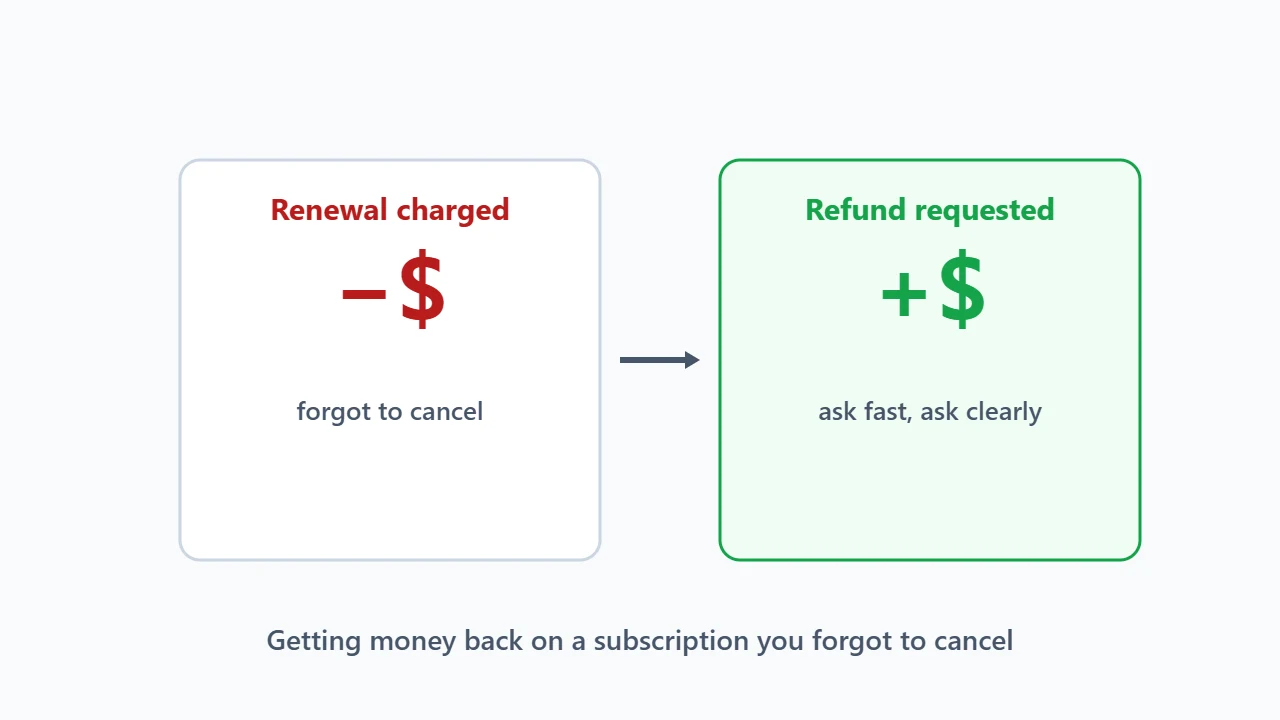
Ask quickly, ask the right place, and ask clearly. Contact whoever charged you (the merchant, Apple or Google Play) as soon as you notice the renewal. Say you forgot to cancel and have not used the new term, and request a refund. Your chances are best within the merchant’s money-back window or soon after the charge, but even outside it many merchants will refund or credit an unused renewal if you ask.
This guide covers where to ask, what to say, what to expect, and what to do if the answer is no, with refund terms recorded for merchants listed on Winporter.
Step 1: Turn Off the Renewal First
Before asking for money back, stop it happening again: switch off auto-renewal for the service so the next term is not charged too. Our guide to turning off auto-renewal shows where to do it.
Step 2: Find Out Who Charged You
Your bank or card statement, or the receipt email, shows who took the payment. The refund has to come from them:
| Charged by | Where to ask | Worth knowing |
|---|---|---|
| The merchant directly | Its support or billing team, from your account | Money-back guarantees apply here |
| Apple | Apple’s “Report a Problem” page, signed in with your Apple account | Apple decides, not the app’s maker |
| Google Play | Your Google Play order history | Google says it may refund within 48 hours of purchase; after that, contact the developer |
| A reseller | The reseller’s support | The original merchant usually cannot refund it |

Step 3: Check the Money-Back Window
Many hosting and VPN merchants offer a money-back period, and your best chance is to ask within it. These are the windows recorded on our store pages:
| Store | Money-back window | Exclusions recorded |
|---|---|---|
| Hostinger | 30 days | None recorded |
| Hosting.com | 30 days | None recorded |
| WPX Hosting | 30 days | None recorded |
| Verpex | 30 days | Not VPS, dedicated servers or domains |
| Surfshark | 30 days | None recorded |
| Proton VPN | 30 days | None recorded |
| SEOPress PRO | 14 days | None recorded |

Two things to check in the merchant’s own policy: whether the guarantee covers renewals or only your first purchase, and which items are excluded. Domains are often non-refundable once registered or renewed.
Step 4: Ask Clearly
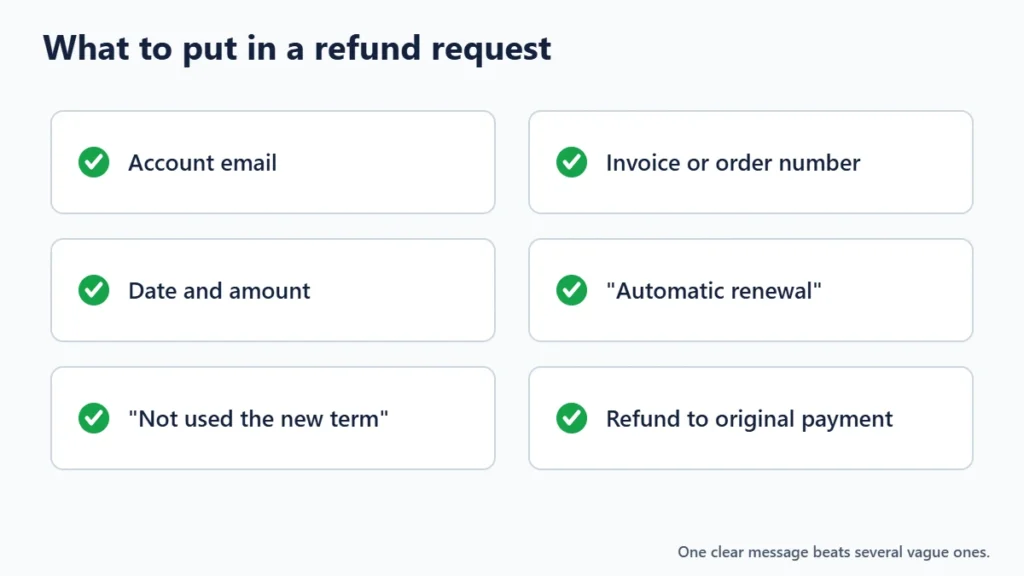
Keep the message short and specific. Include:
- Your account email and the order or invoice number
- The date and amount of the charge
- That it was an automatic renewal you forgot to cancel
- That you have not used the new term, if that is true
- That you have turned off auto-renewal
- What you want: a refund to your original payment method
What to Expect
- A full refund is most likely within a money-back window, or when you ask very soon after an unused renewal.
- A partial or pro-rated refund is possible if part of the term has passed.
- Account credit instead of cash is sometimes offered. Accept it only if you will use the service again.
- Deductions for domains, add-ons or setup fees are common.
- A refusal is possible outside the window, especially for long prepaid terms.
Refunds usually go back to the original payment method and can take several business days to show.

If the Answer Is No
- Ask politely once more, to billing rather than general support, and mention that the term is unused.
- Check consumer rules where you live. Some countries have specific rules on automatic renewals and cancellation rights.
- Consider a card dispute only as a last resort. Your card issuer can review a charge, but disputing a charge you agreed to in the terms may not succeed, and the merchant may close your account.
How to Avoid This Next Time
- Set a reminder a few weeks before every renewal date.
- Turn off auto-renewal for anything you are not sure you will keep.
- Check renewal prices before you buy, because introductory prices usually end after the first term. Our guide to telling whether a sale is real shows how.
- Use free trials and money-back windows deliberately; see our guide to free trials vs money-back guarantees.
Frequently Asked Questions
Can I get a refund on a subscription renewal?
Often, if you ask quickly and have not used the new term, but it depends on the merchant’s policy. Some guarantees cover only the first purchase.
How long do I have to ask?
Ask as soon as you notice. Money-back windows are commonly 30 days, and Google says Play refunds may be possible within 48 hours of purchase, after which you contact the developer.
Will I get my money back or credit?
Usually money to the original payment method, but some merchants offer account credit. You can ask for a refund instead.
Why was a domain not refunded?
Many merchants treat domain registrations and renewals as non-refundable, because the registry fee has already been paid.
The Bottom Line
Turn off the renewal, ask whoever charged you, do it quickly, and give the details in one clear message. Within a money-back window your chances are good; outside it, a polite and specific request still often works. Each store on Winporter shows the refund terms we found.
